Zapless guides
Everything you need to connect Stripe to your email marketing stack. Whether you're setting up for the first time or looking to get more from your sync, these guides walk you through it step by step.
What you can do with Zapless
Zapless automatically syncs your Stripe customer and subscription data into your email provider — Resend, Mailchimp, SendGrid, or ConvertKit. When someone subscribes, upgrades, or cancels in Stripe, your email list updates automatically.
No code. No manual exports. No stitching together webhooks. Just connect your accounts once and Zapless handles the rest.
Where to start
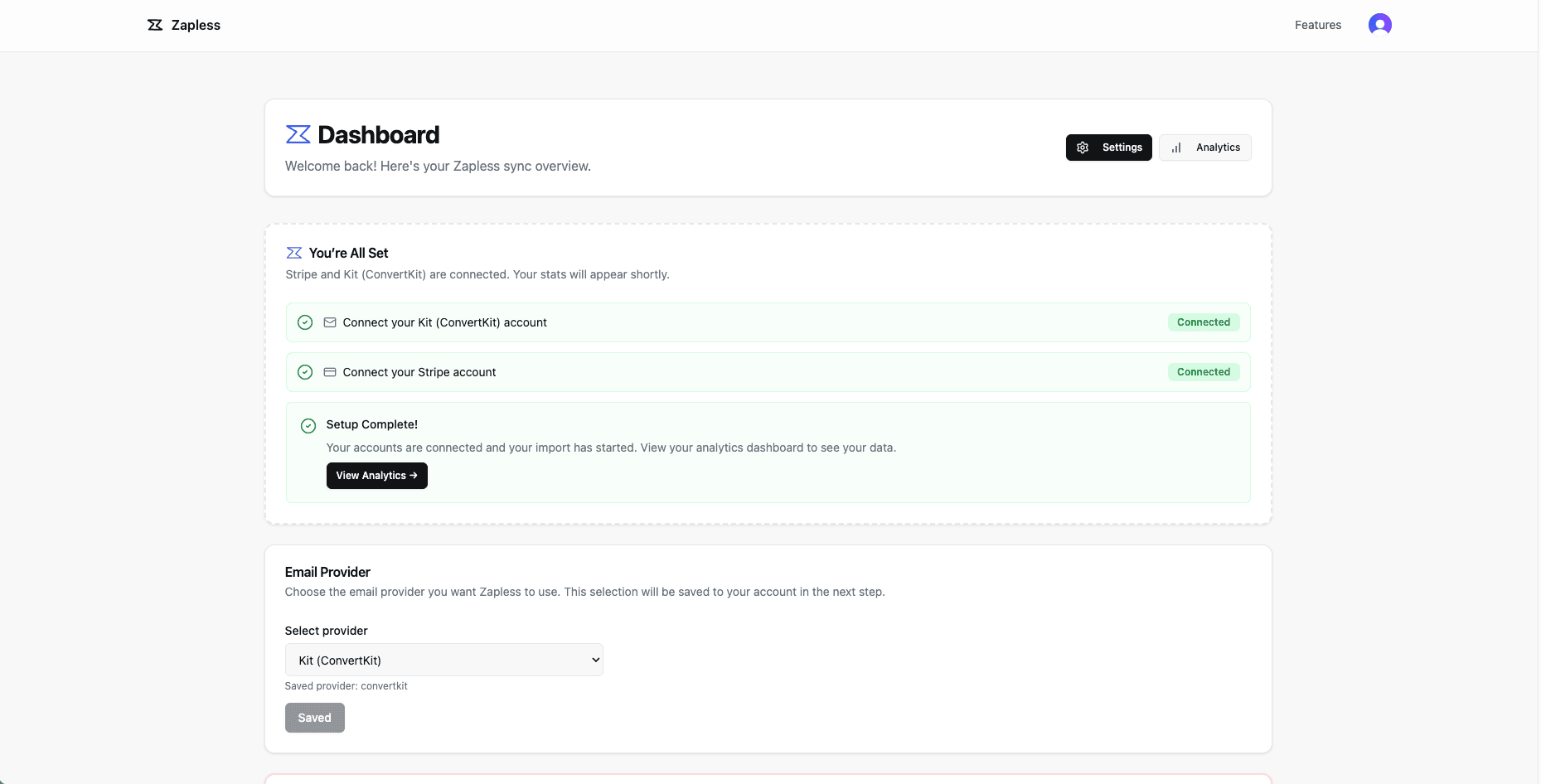
If you're new to Zapless, begin with the Product Walkthrough. It covers connecting your Stripe and email accounts, running your first sync, and understanding how Zapless maps Stripe subscription data to your list segments.
Once you're set up, your lists stay in sync automatically — no further action needed.
Supported integrations
Zapless currently works with the following email providers:
Resend — the primary integration. Sync Stripe customers directly into Resend audiences and segment by subscription status, plan, or trial state.
Mailchimp — keep your Mailchimp lists up to date with live Stripe subscription data.
SendGrid — sync contacts and tag them based on their Stripe subscription.
ConvertKit (Kit) — automatically add and tag subscribers based on what they're paying for in Stripe.
More integrations are on the way. If yours isn't listed, let us know.