2026
How to Segment Your Resend Audience by Stripe Subscription Status
If you're using Resend for email and Stripe for billing, you have a problem you might not have named yet: your email list doesn't know what your Stripe data knows.
Stripe knows who's on a free trial. Who just churned. Who's been a paying customer for six months. Resend doesn't know any of that — unless you tell it.
Sending the same emails to active subscribers, churned users, and trial users isn't just ineffective. It's actively bad. You're emailing churned users like nothing happened. You're not capitalizing on the trial window. You're treating everyone the same when their situations couldn't be more different.
Here's how to fix that.
Why Subscription Status Is Your Most Valuable Segment
Most email segmentation is based on behavior: opens, clicks, signups. That's fine. But for a SaaS, billing state is the most important signal you have.
The segments that actually move the needle:
Trialing — People actively evaluating your product. This is your highest-leverage window. They should get onboarding nudges, feature highlights, and a conversion push before day 7.
Active — Paying customers. Don't oversell to them. Focus on retention, feature adoption, and expansion.
Past due — Involuntary churn risk. A single well-timed email can recover a payment before the subscription lapses.
Canceled — Win-back candidates. Worth one or two emails. After that, leave them alone.
Each of these groups needs completely different messaging. Mixing them up wastes your sends and trains your audience to ignore you.
The Manual Way (and Why It Breaks Down)
The standard approach is to export customers from Stripe, clean up the CSV, and import it into Resend with the right tags. Then repeat that whenever something changes.
This works. Once. Maybe twice.
The problem is that subscription status changes constantly. Trials convert. Subscriptions lapse. Customers upgrade. By the time you've imported last week's export, it's already stale. You're segmenting on yesterday's data, and the emails you send reflect that.
Some teams try to automate this with Zapier or Make — a webhook here, a trigger there. It's doable, but you end up maintaining a fragile chain of logic that breaks quietly and is annoying to debug.
The Cleaner Way: Keep Resend in Sync with Stripe Automatically
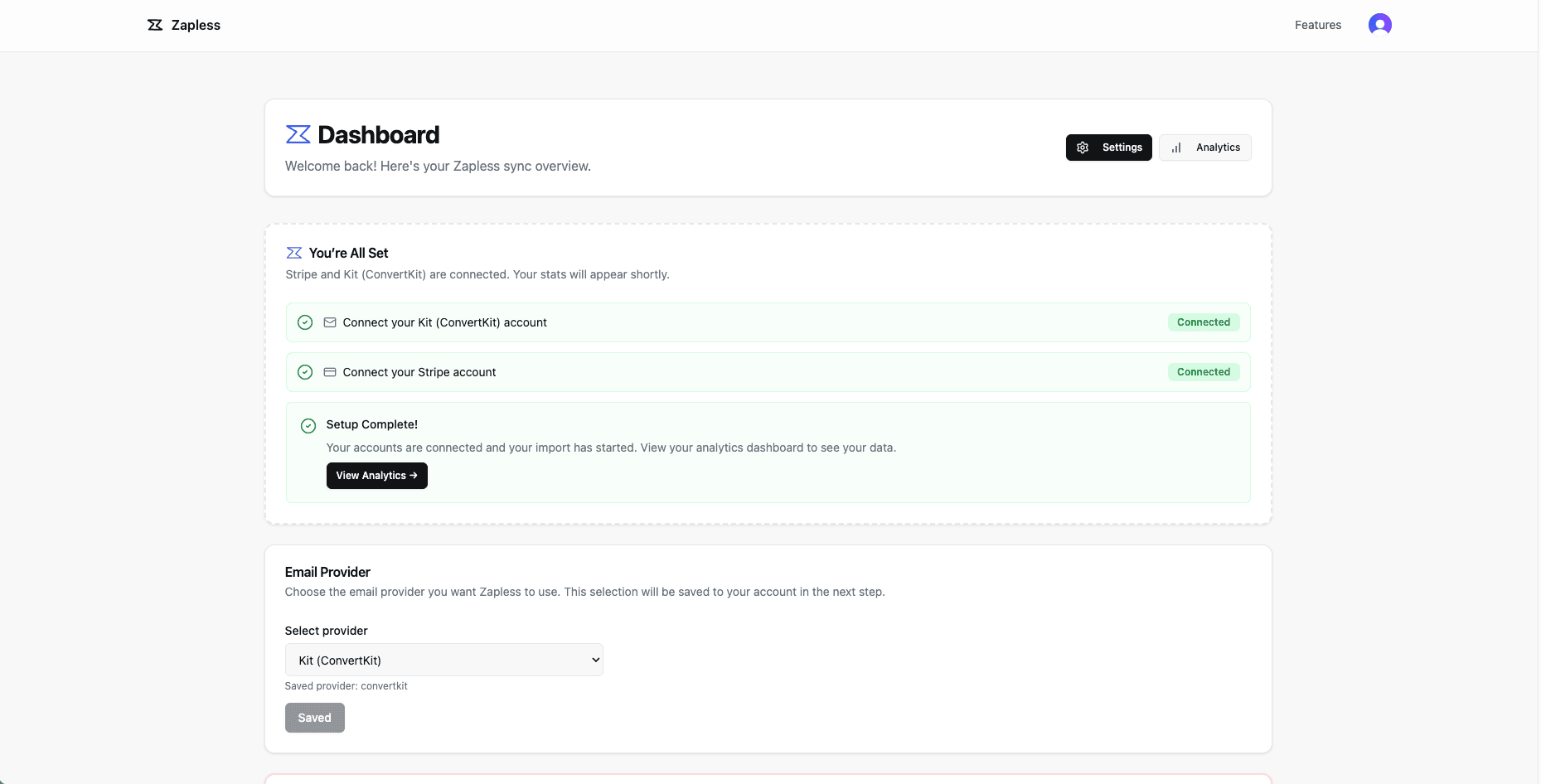
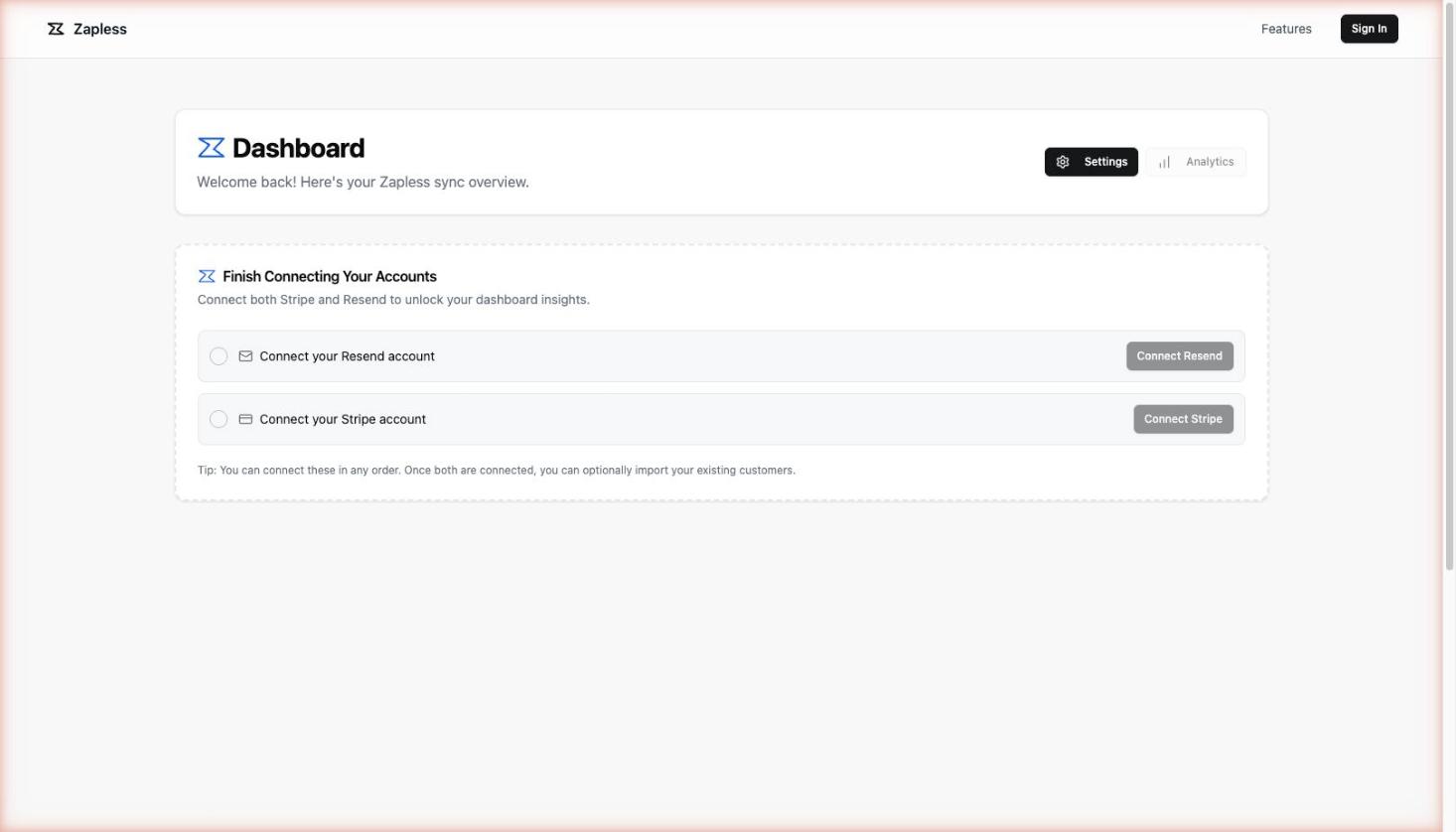
Zapless connects directly to both Stripe and Resend and keeps your contact list in sync automatically. When a Stripe subscription changes state, Resend reflects it — no manual exports, no webhooks to maintain.
Here's what the setup looks like:
1. Connect your Stripe account — Zapless reads your customer and subscription data.
2. Connect your Resend account — Zapless pushes contacts and tags into your audience.
3. Map subscription statuses to Resend tags — trialing, active, past_due, canceled become tags in Resend that you can segment on immediately.
Once it's running, you don't think about it again. A customer converts from trial to paid? Their tag updates. Someone churns? Same thing. Your Resend audience reflects your actual Stripe state, continuously.
What You Can Do With Clean Segments
Once your Resend contacts have accurate Stripe-sourced tags, the segmented emails write themselves:
Trialing — Send a trial-to-paid conversion sequence to everyone tagged trialing.
Past due — Trigger a past-due recovery email the moment a payment fails.
Canceled — Build a win-back flow for canceled contacts with a discount or a re-engagement hook.
Active — Exclude churned users from your product announcement emails entirely.
None of this requires custom code or a third-party automation platform. It's just email segmentation on accurate data.
Get Started
Zapless has a 7-day free trial — no credit card required. Connect Stripe and Resend in about two minutes, and your audience segments will start populating automatically.
Try Zapless free → getzapless.com